 ORIGIN / 01
My own source material
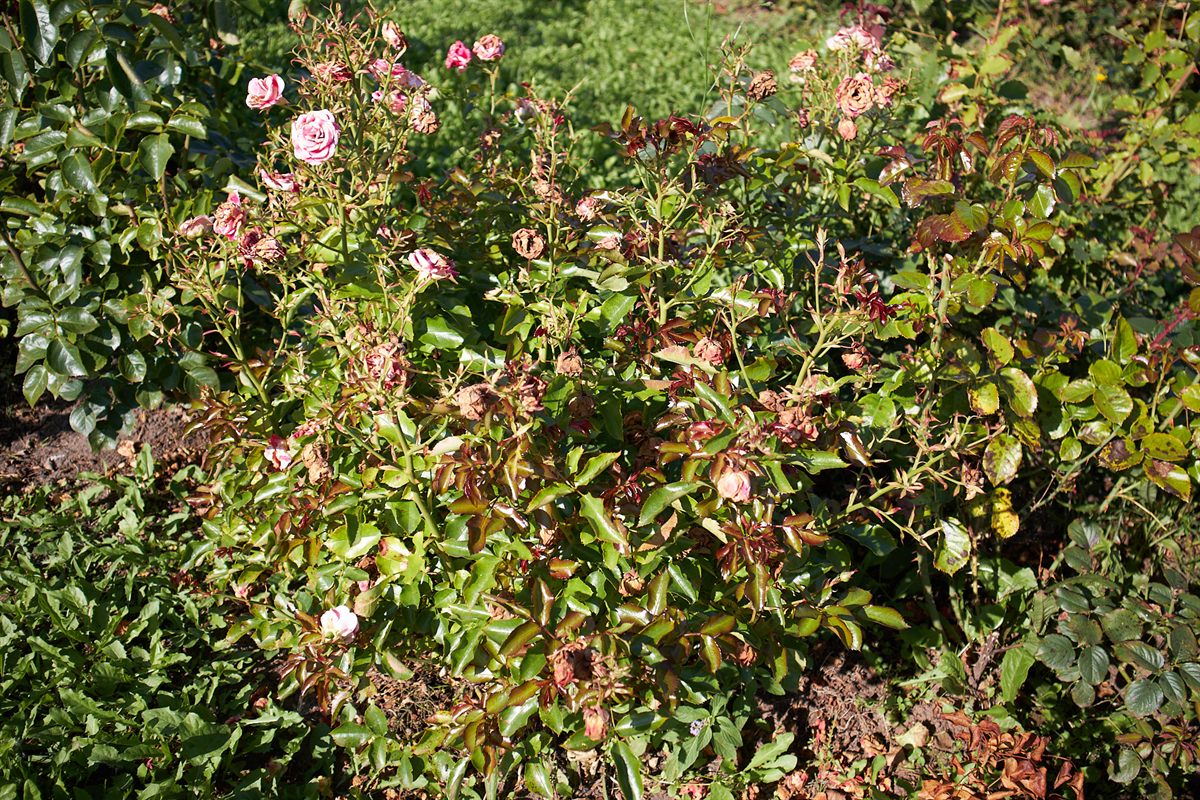
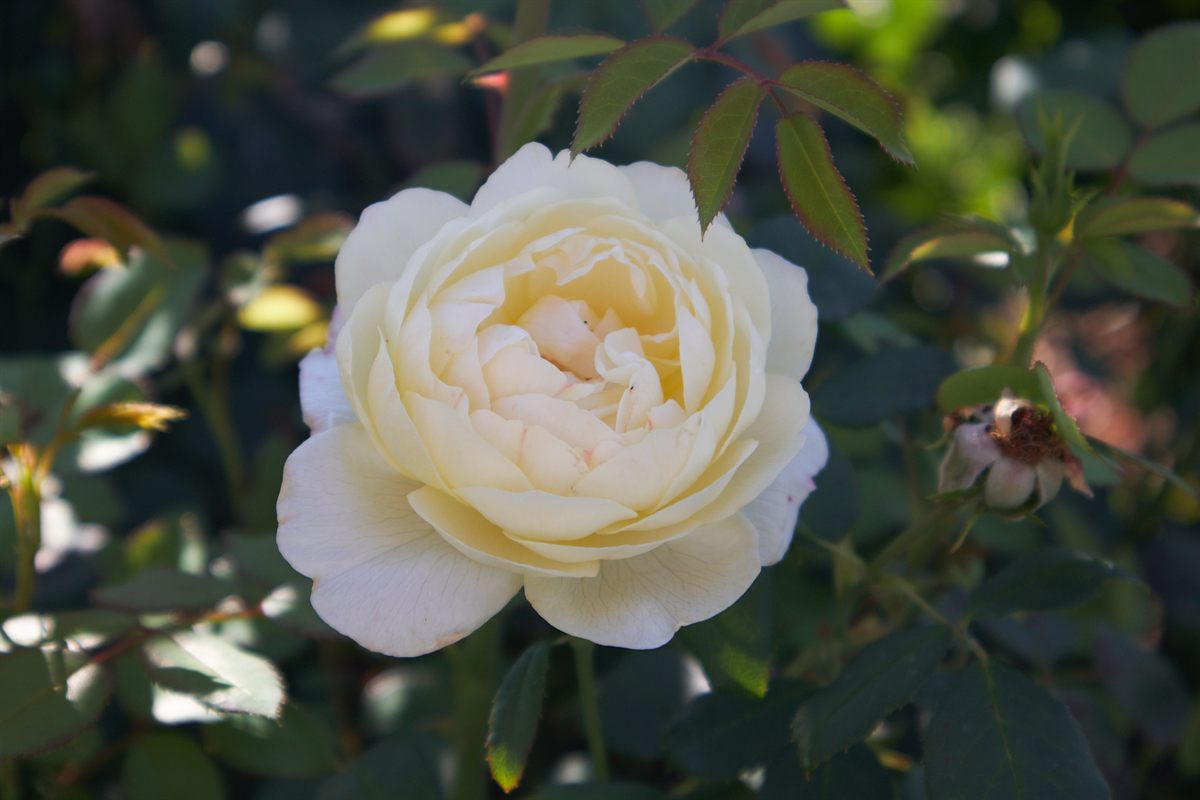
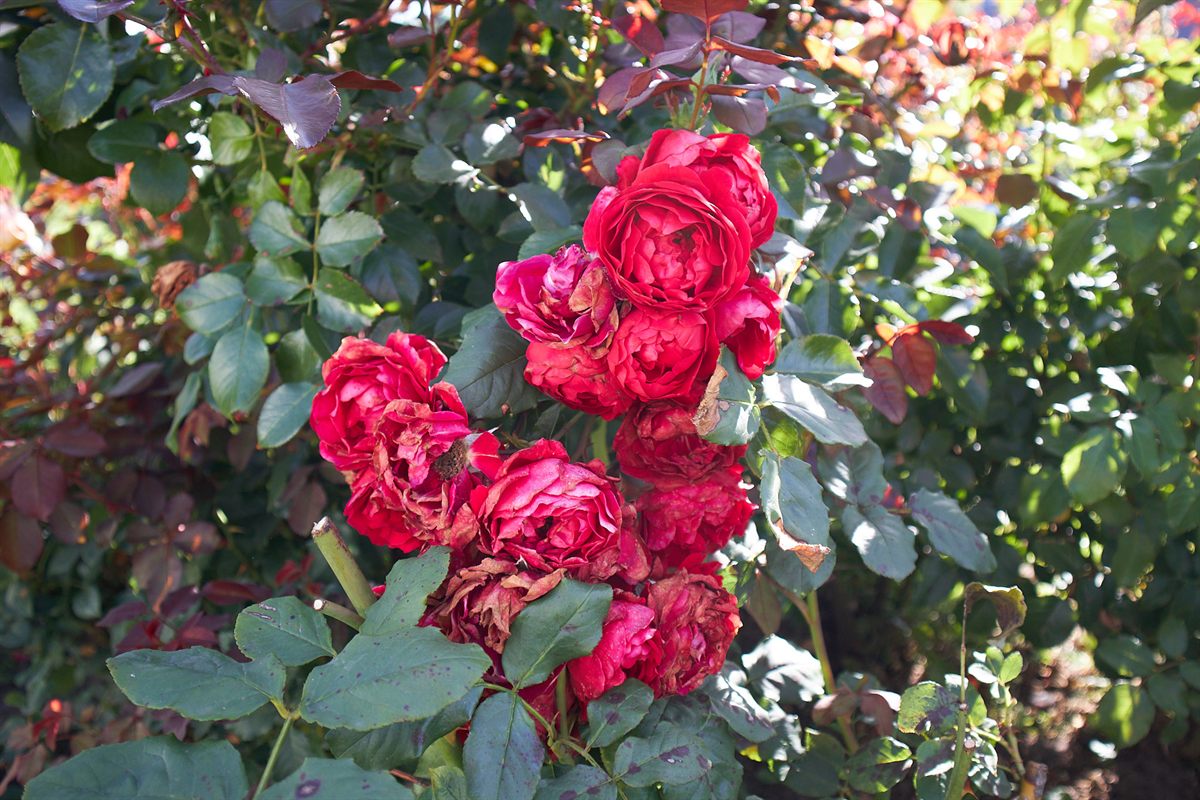
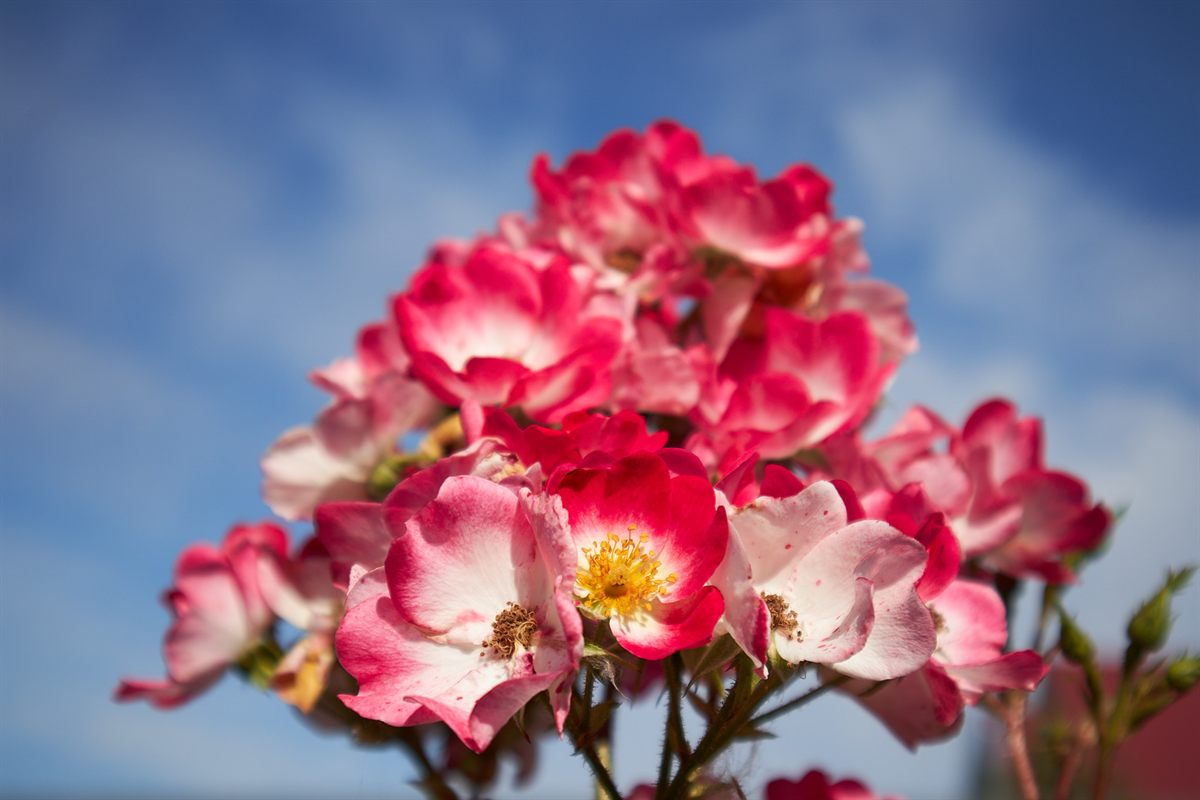
I photographed every plant in my garden. The images are not stock, not taken from a photogrammetry library, and not sold elsewhere.
Original garden photography · Blender Extension
I photographed every plant in my own garden, then prepared each one as a transparent billboard asset for Blender.
The problem
Dense mesh plants make exterior scenes heavy, while placing and varying plants by hand consumes time that belongs to lighting, composition, and delivery. Billboards provide a practical alternative for planting beds, borders, and background vegetation.
ORIGIN / 01
I photographed every plant in my garden. The images are not stock, not taken from a photogrammetry library, and not sold elsewhere.
 SPEED / 02
Fill borders, flowerbeds, and backgrounds without replacing every plant with complex mesh geometry.
 FORM / 03
Choose Flat, Cross 2, Cross 3, or Cross 4 to control the tradeoff between visual volume and scene performance.
Why these plants are different
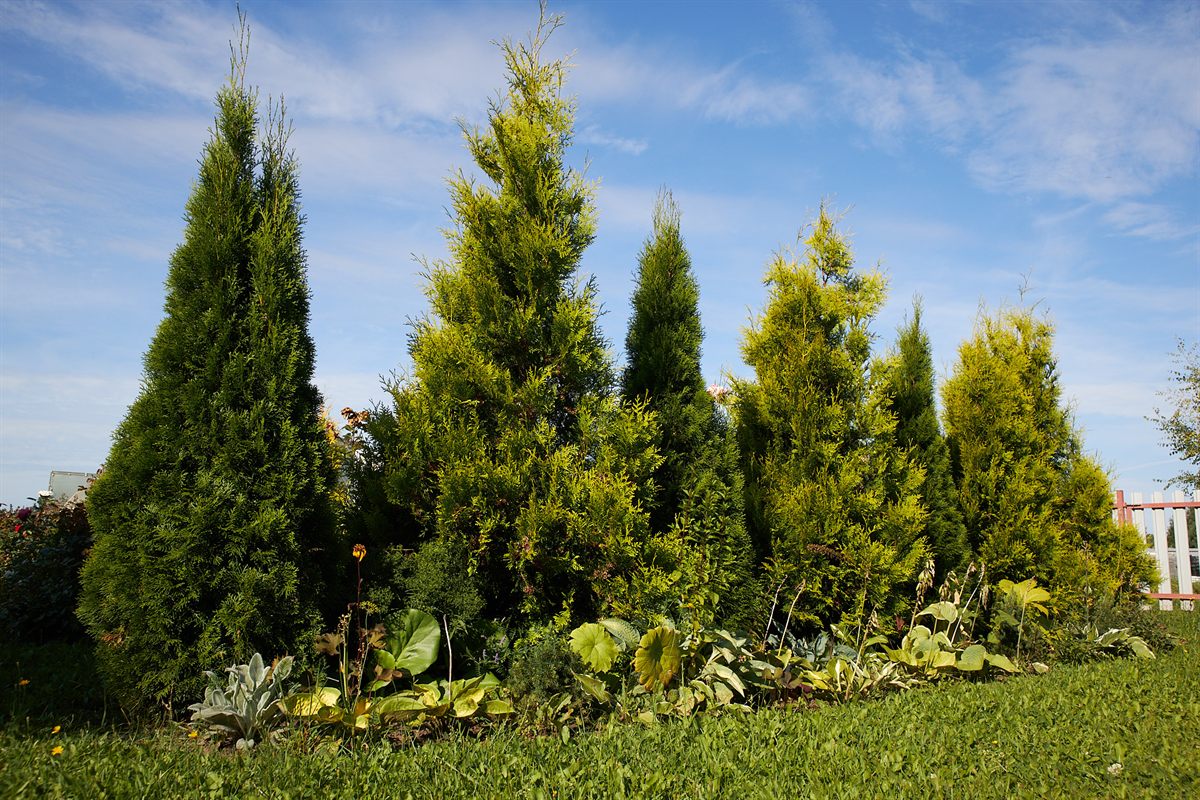
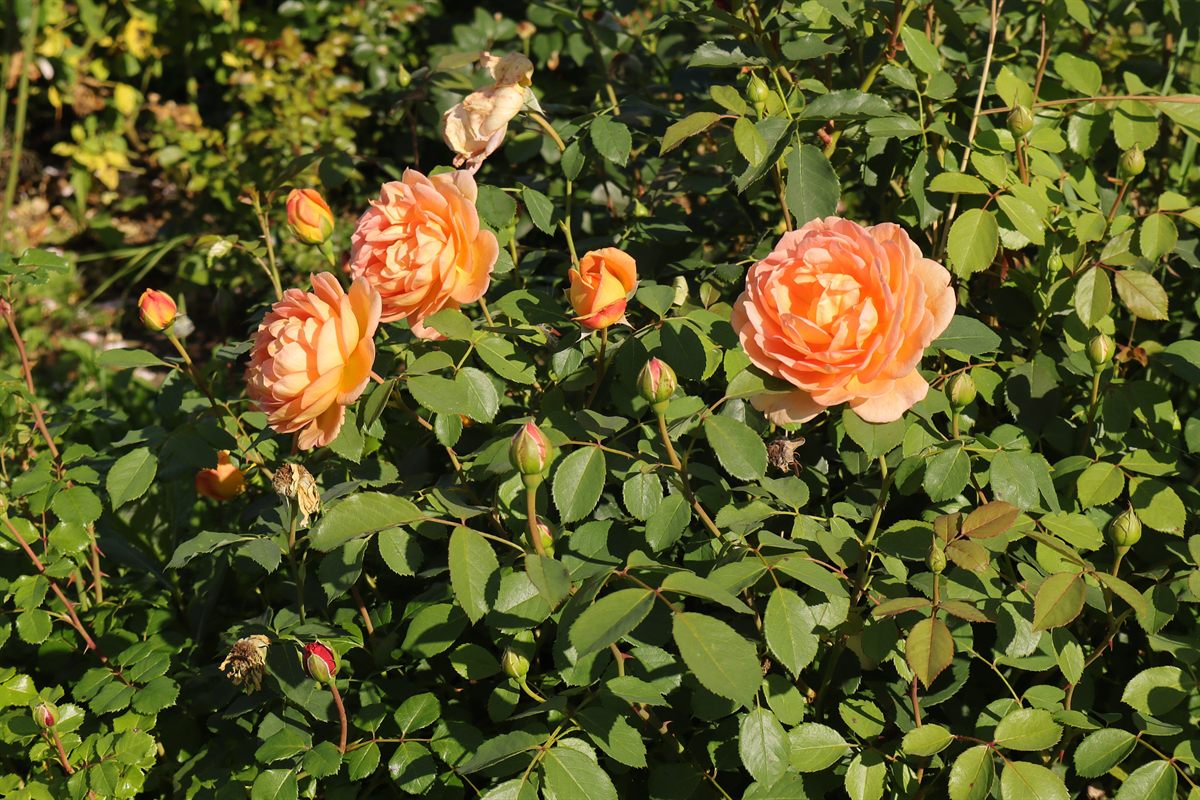
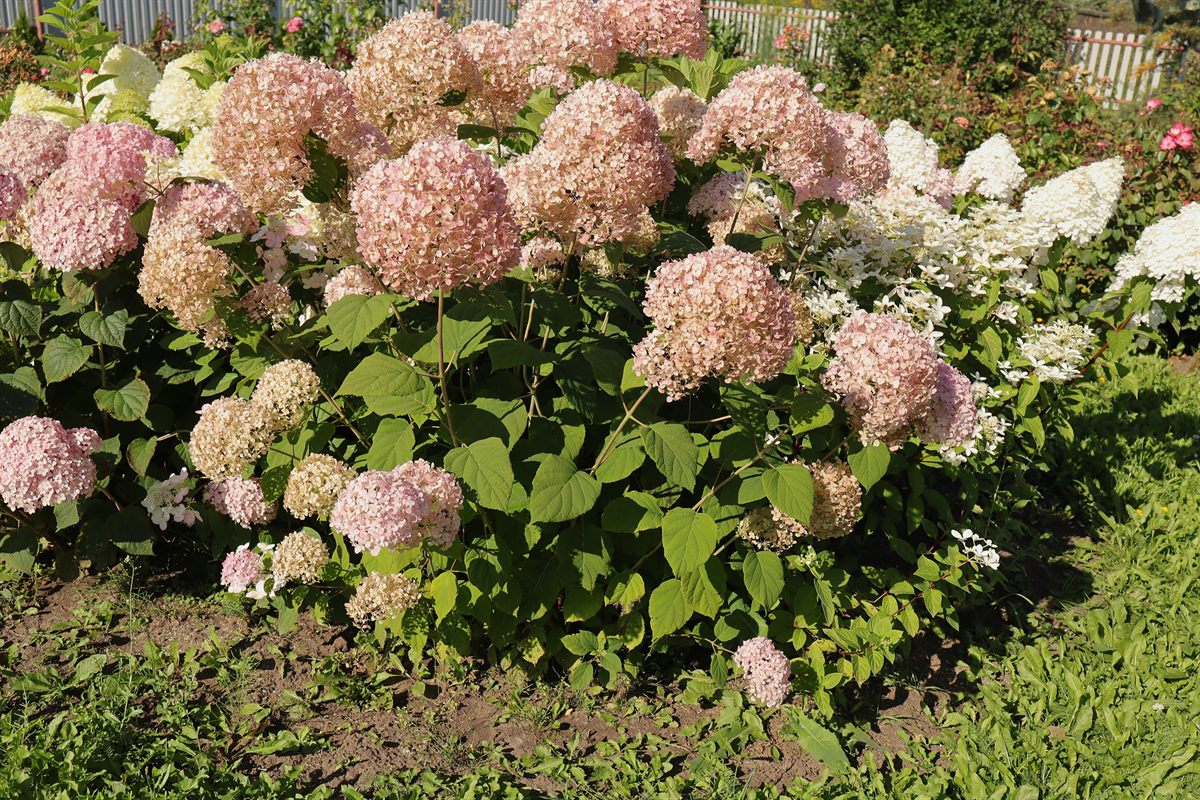
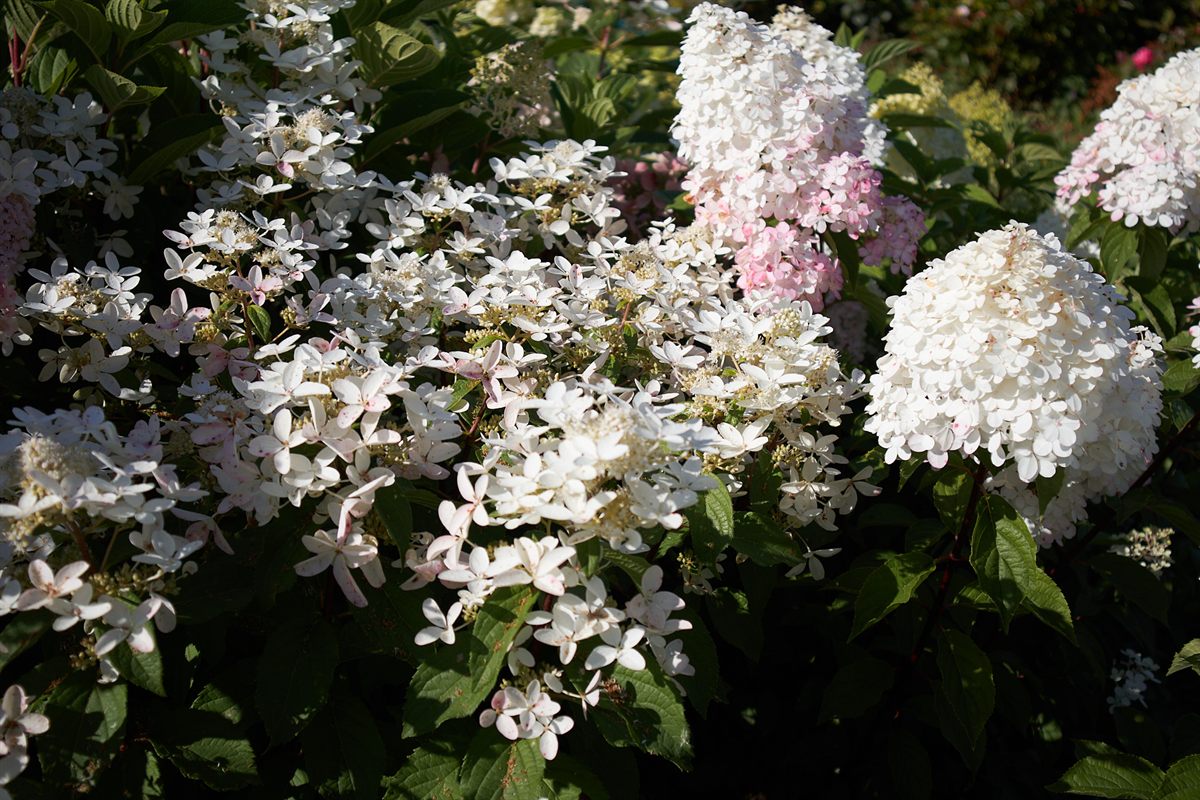
I photographed flowers, roses, phlox, hydrangeas, shrubs, conifers, and garden elements in my own garden. I then isolated and prepared the photographs specifically for use in Blender.
The result is a library with a consistent origin and a clear visual relationship between assets. It is original content rather than a collection assembled from unrelated third-party sources.
It doesn't look flat
Billboards work as a planting system: overlap foreground and background layers, mix silhouettes, and randomize orientation so the same outline does not repeat in a visible pattern. Cross geometry adds volume where a single Flat plane is not enough.
Time-saving controls
Browse preview thumbnails and filter by category or color.
Face selected plants toward the active camera instead of rotating them one by one.
Randomize scale, Z rotation, horizontal flip, and color across a planting group.
Select a surface and place multiple assets on it in one action, reducing repeated positioning work.
Add the chosen plant at the 3D Cursor so precise placement does not require a separate import-and-move sequence.
Quick Garden Billboards uses the Extension format for Blender 4.2 and newer, so it installs through Blender's native workflow.
Standard and PRO use different Blender identifiers, so installing PRO does not require removing Standard.
Apply scale, Z rotation, horizontal flip, and color variation to groups instead of adjusting each duplicate manually.
Geometry is a dial
Cross 3 adds volume for assets positioned closer to the camera.
Original source photography
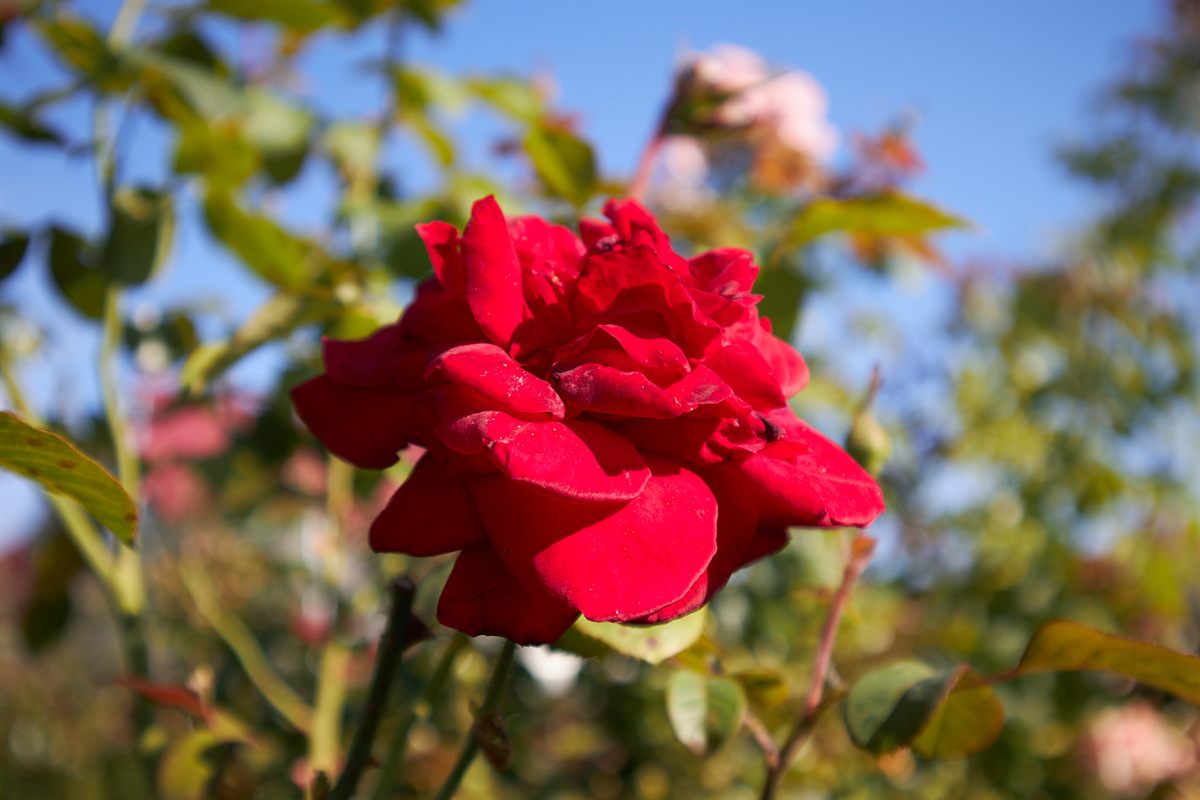
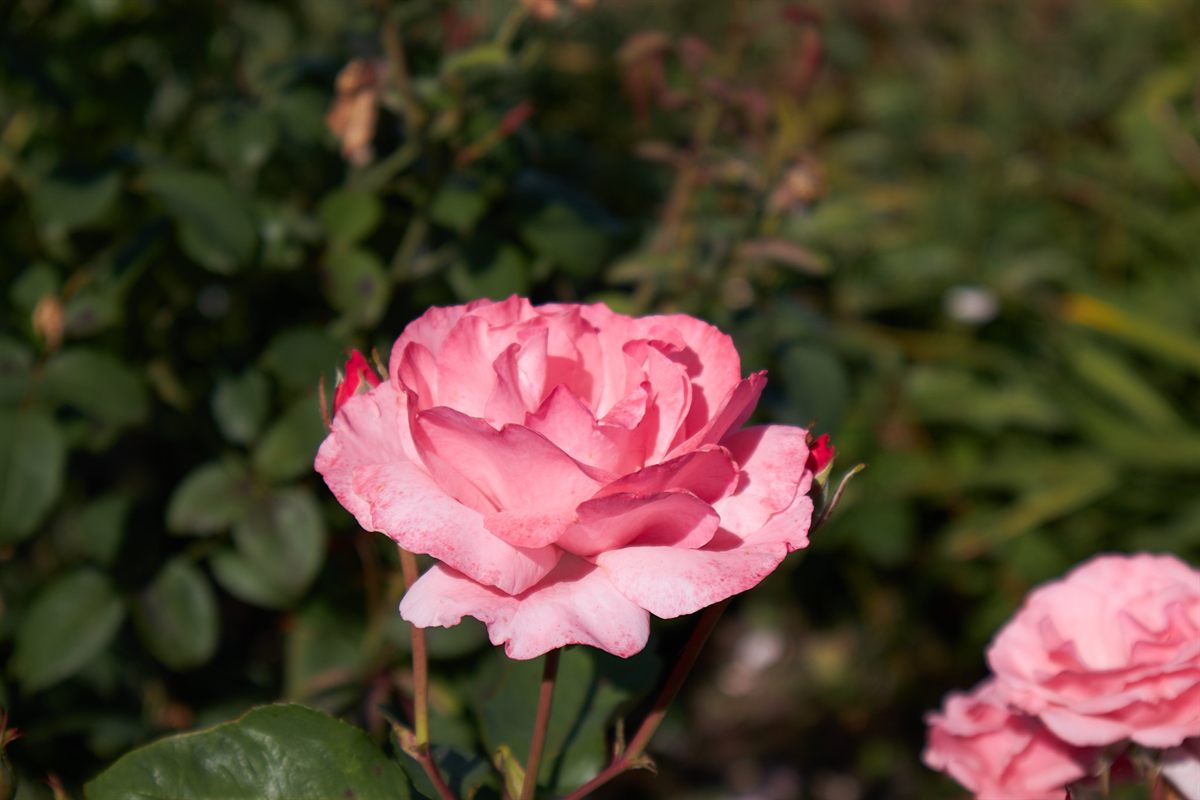
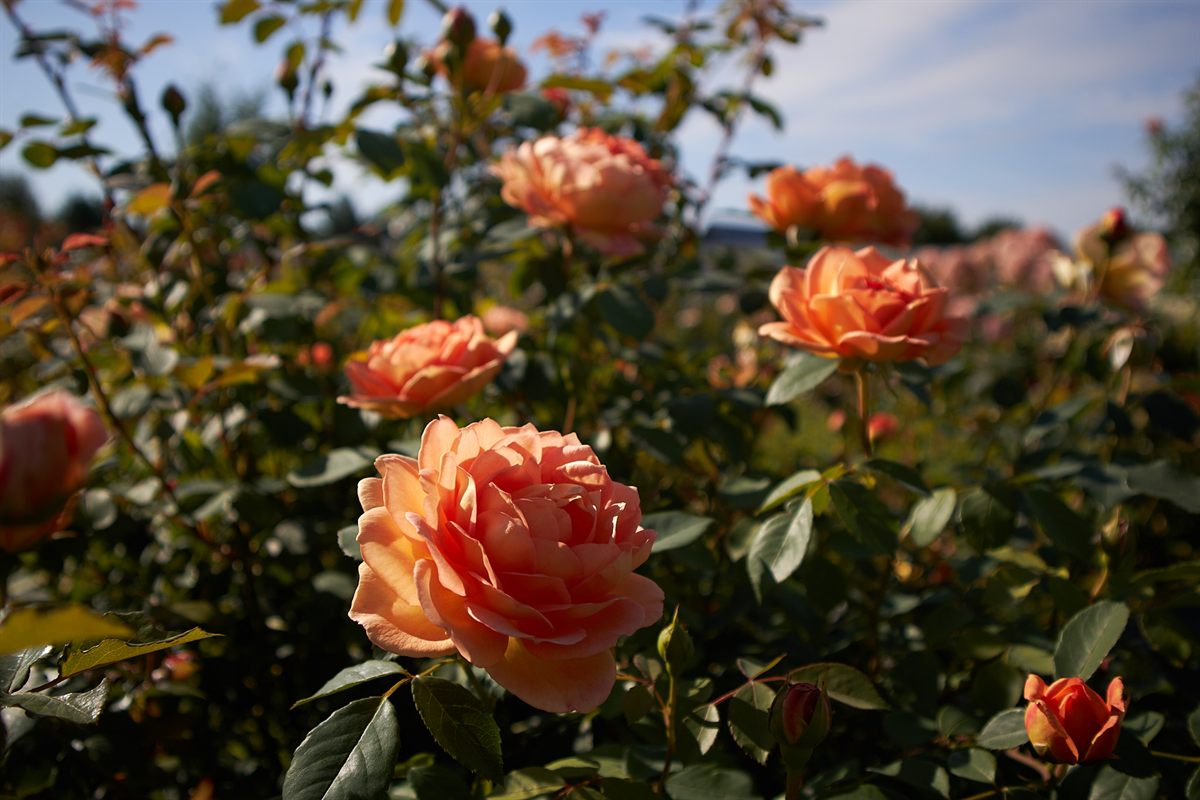
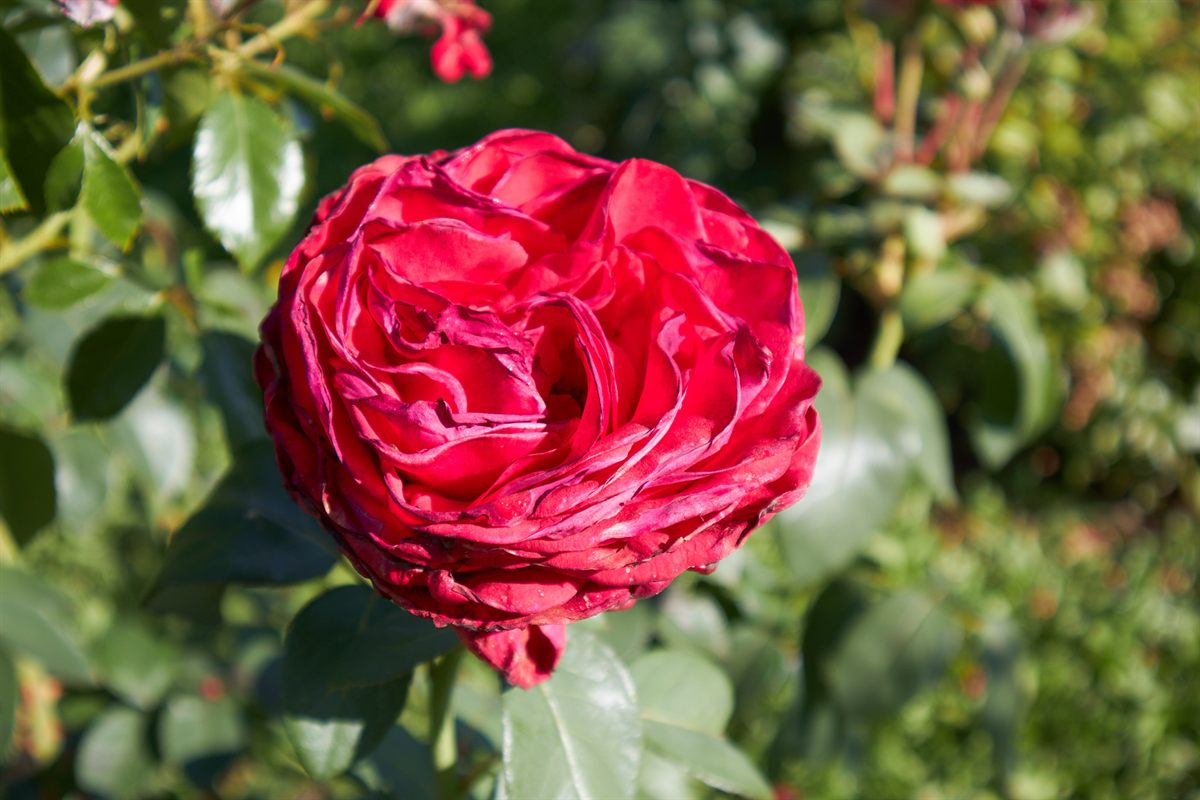
Every frame below was photographed in my own garden. Different species, colors and life stages become the authentic source material for the billboard library.
Workflow
Add the native Extension in Blender 4.2 or newer without a separate installation system.
Use category and color filters to narrow the preview library.
Add one asset at the 3D Cursor or multiple assets on a surface.
Face selected assets toward the active camera.
Randomize scale, Z rotation, horizontal flip, and color.
Where billboards work — and where they don't
Billboards work well in the middle and far ground, along borders, in flowerbeds, across mass plantings, and in the background. For a single hero plant filling the frame, use a mesh asset instead. Cross 3 and Cross 4 hold up closer than Flat, but they are still designed for volume rather than macro views.
Standard vs PRO
Standard covers the core garden categories with 44 assets. PRO expands the same workflow to 114 assets and adds trees, foliage, groundcover, borders, and details.
Library coverage
Standard includes flowers, roses, phlox, hydrangeas, shrubs, conifers, and garden elements. PRO includes those categories plus trees, foliage, groundcover, borders, and details.
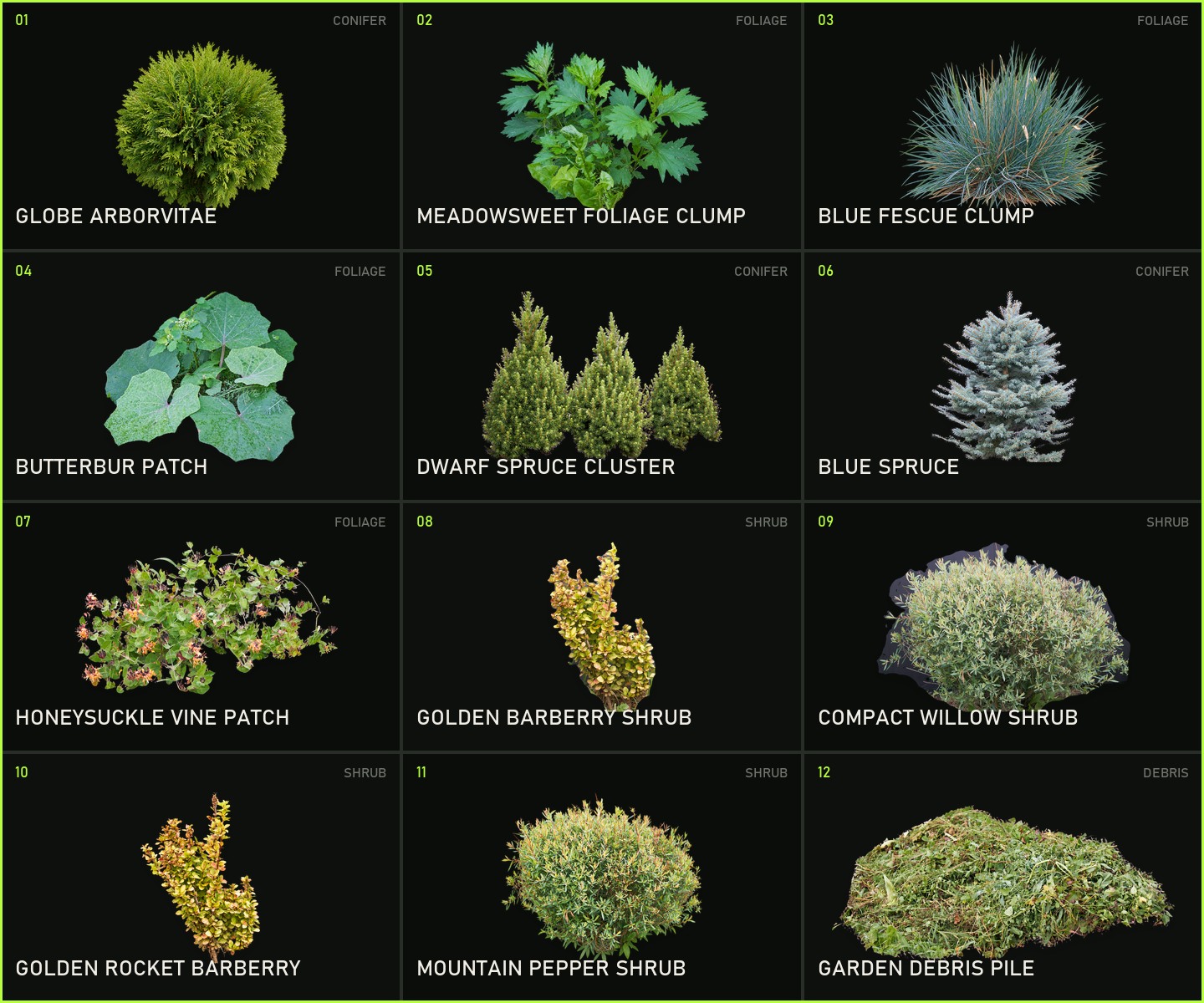
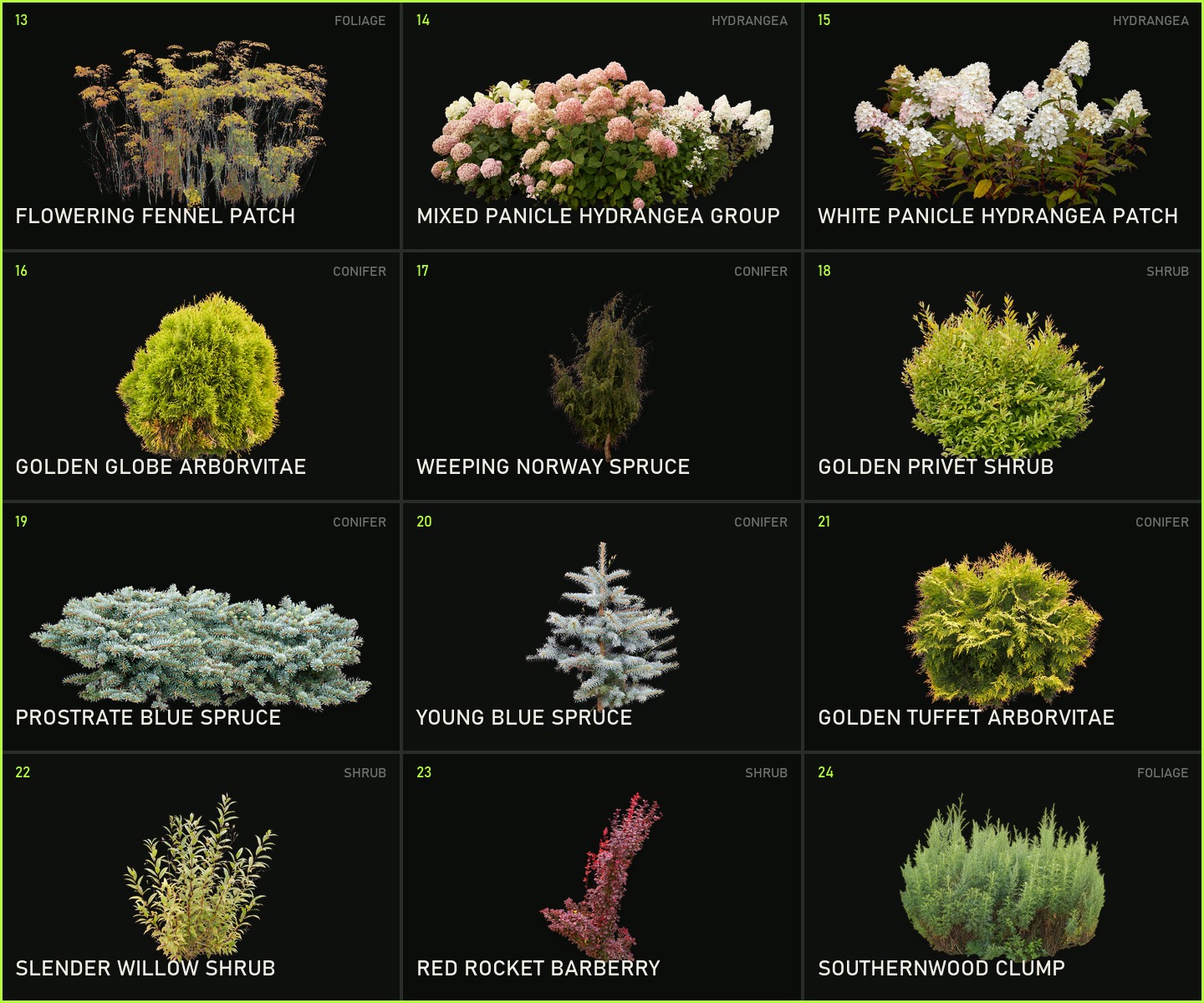
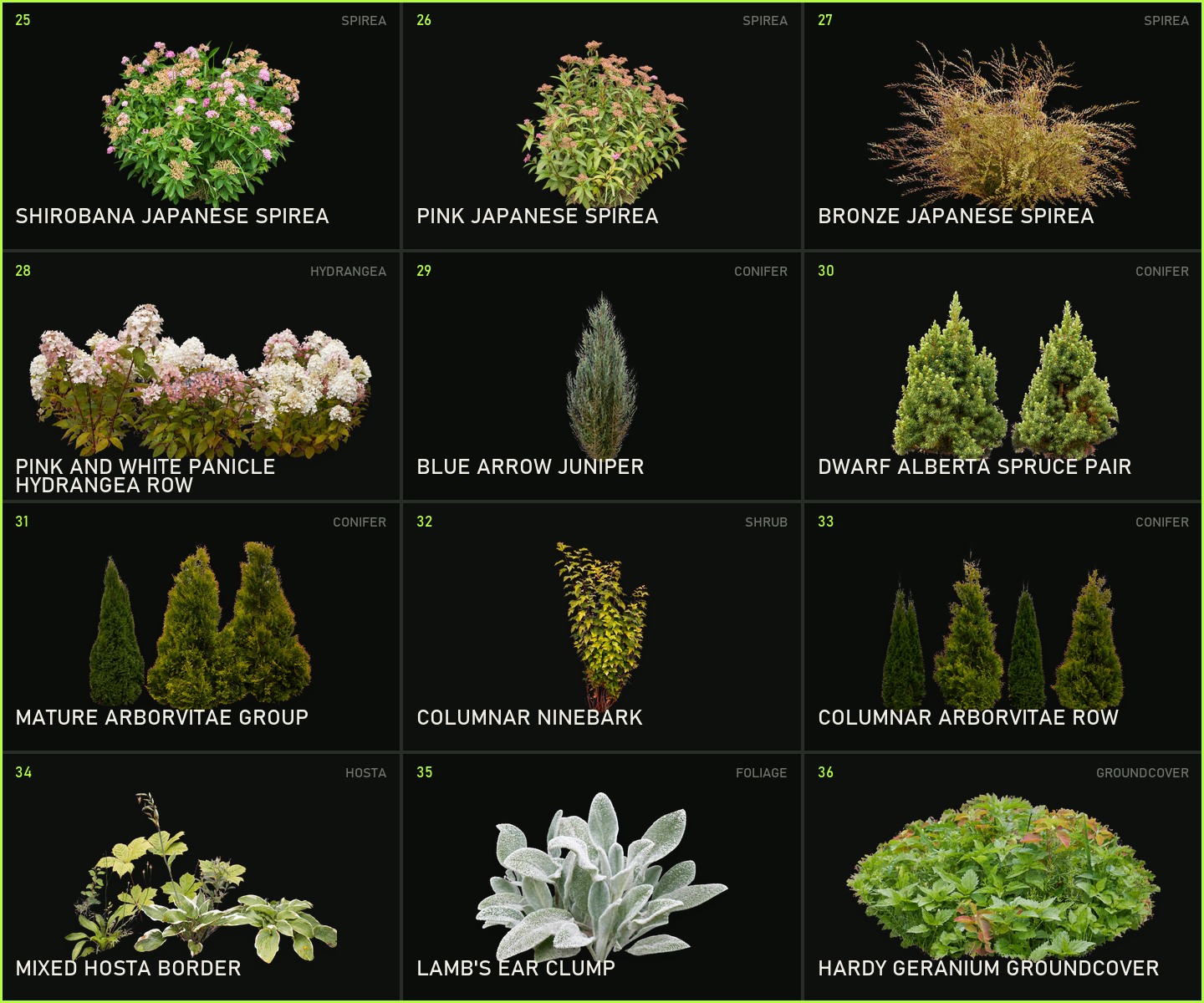
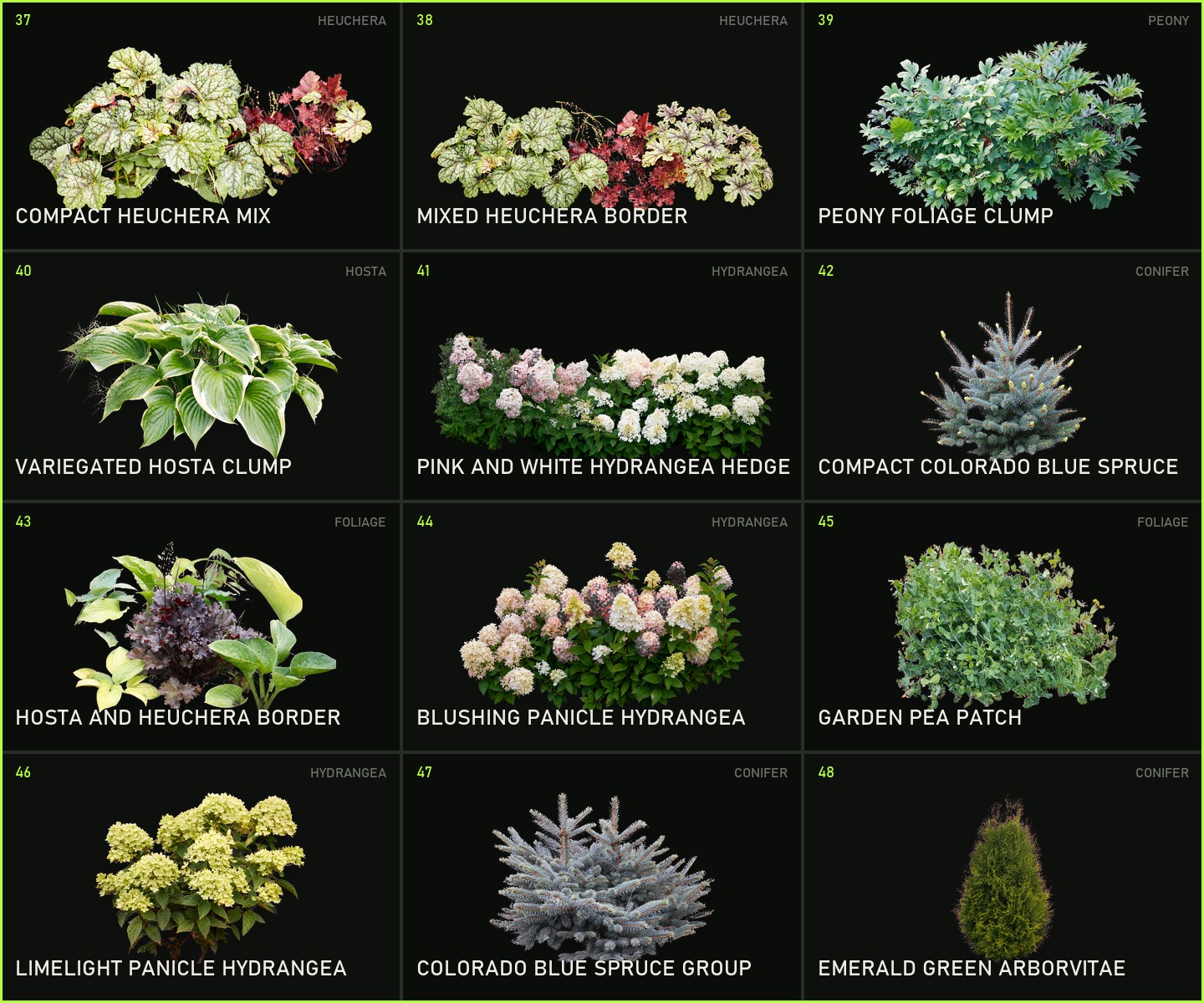
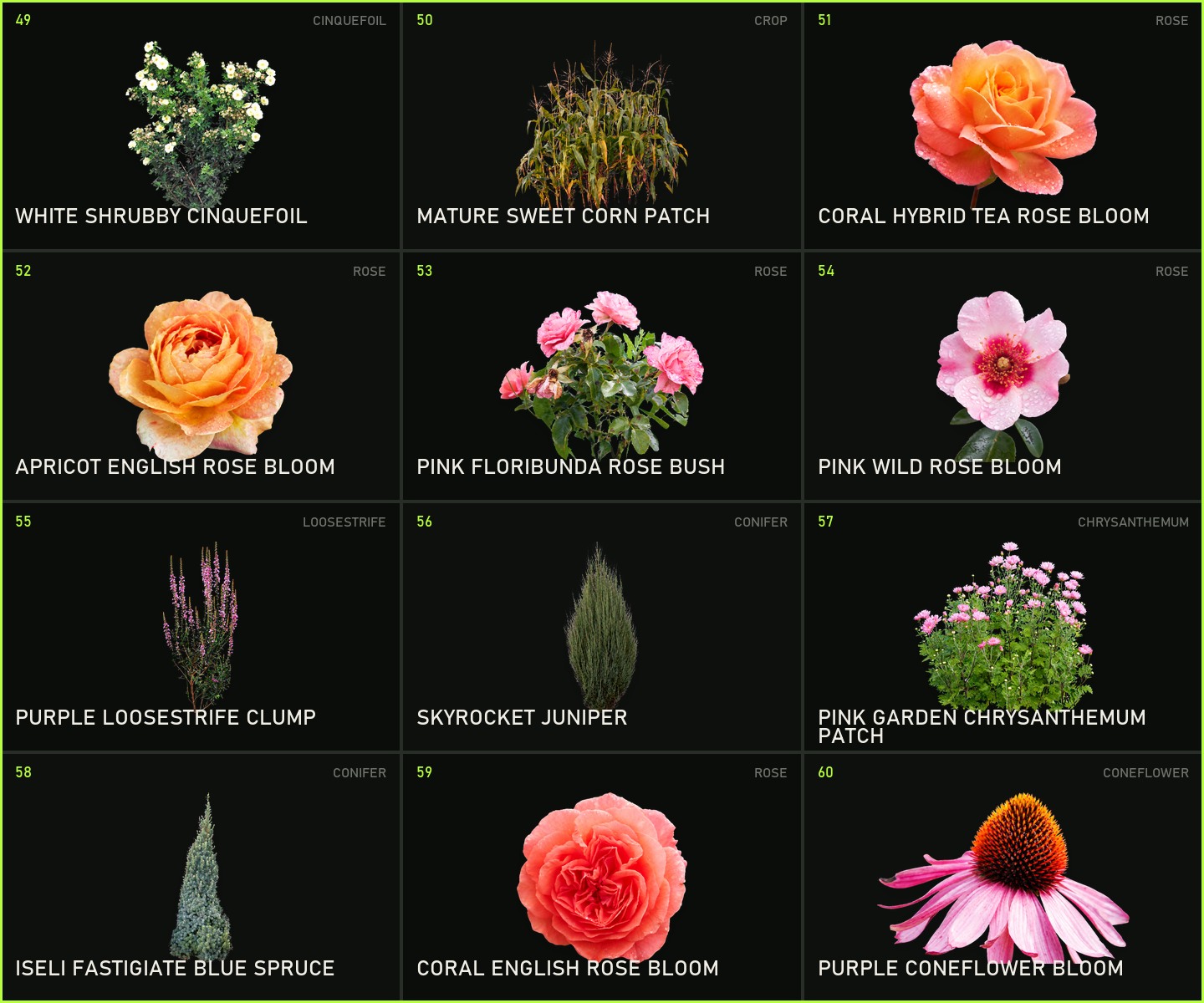
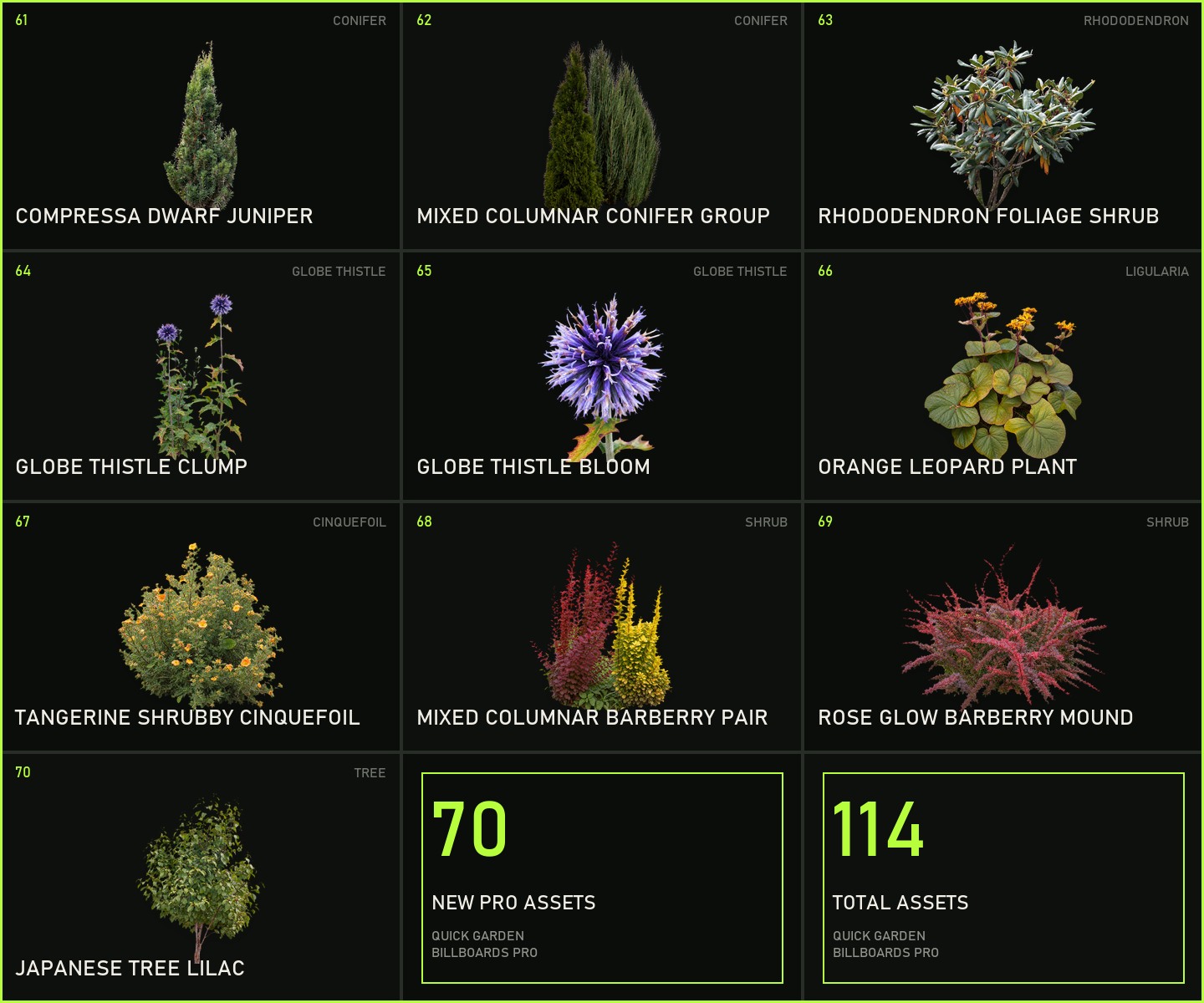
Need broader planting coverage? PRO adds 70 assets while keeping the same billboard workflow.
View Quick Garden Billboards PRO ↗Continue building / MambaCG
Extend the same scene with focused tools for water, HDRI lighting and atmospheric skies.
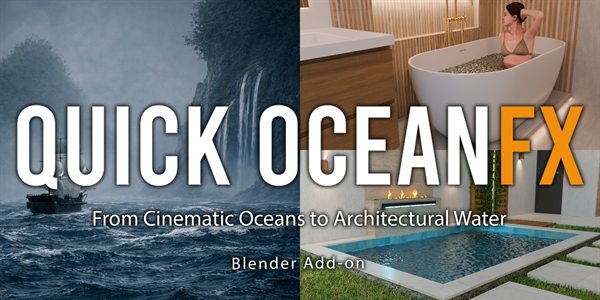
Create realistic oceans, waves, pools, baths, fountains and small water surfaces with a clean Blender workflow.
View on Superhive ↗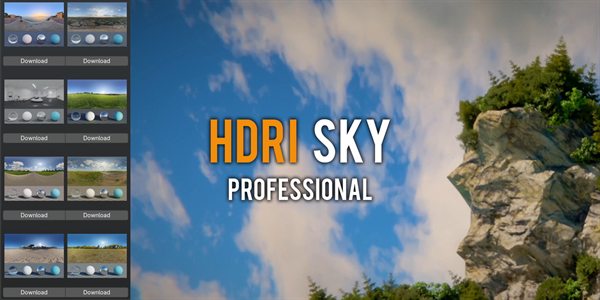
Browse HDRI previews inside Blender, create worlds and skies, and combine HDRI lighting with cloud presets.
View on Superhive ↗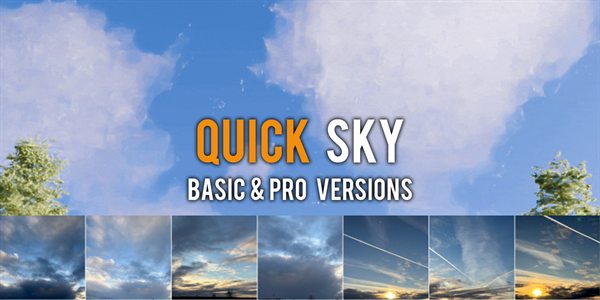
Use animated cloud presets, wind controls and cloud layers to build atmospheric Blender skies faster.
View on Superhive ↗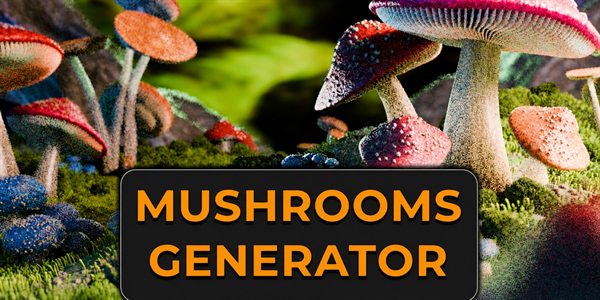
Create customizable, fully animatable mushrooms for realistic daytime forests and glowing fantasy scenes.
View on Superhive ↗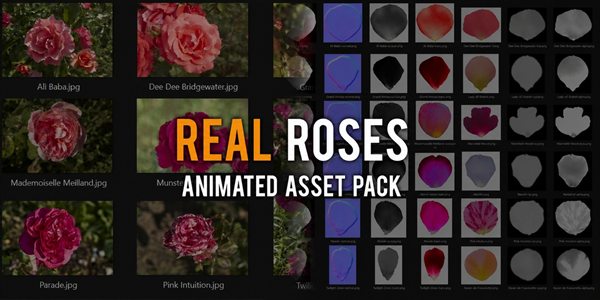
Detailed roses with real-world textures, Geometry Nodes customization and natural blooming animation.
View on Superhive ↗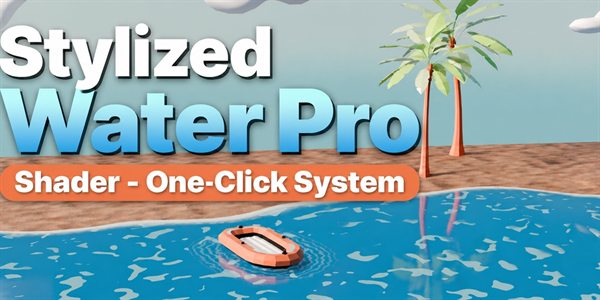
Create animated stylized water with procedural shading, Geometry Nodes waves, foam, ripples and floating-object controls.
View on Superhive ↗Specs
FAQ
Yes. The photos and textures are licensed for royalty-free use in commercial renders, animation, client projects, and archviz deliveries. The add-on code is GPL because the platform requires that license for Blender add-ons; resale or redistribution of the asset files as a pack is not allowed.
Use billboards for middle- and far-ground vegetation, borders, flowerbeds, and mass planting. Cross 3 and Cross 4 hold closer than Flat, but a full-frame hero plant should be a mesh asset.
Yes. They use different Blender identifiers and can remain installed side by side.
Yes. The assets work with Eevee and Cycles.
Blender 4.2 and newer, using the Extension format.
Yes. The listing includes 12 months of support and updates.