Torch
A vertex group keeps the flames on the fabric head.
Animated fire for Blender. Choose a mesh, add a preset, and shape the burn with flames, smoke, sparks and keyframes.
Watch it burnThese shots come from the Blender showcase. A fabric torch, timber deck and brass burner each carry their own fire.
A vertex group keeps the flames on the fabric head.
Sparks rise from the logs while flickering lights illuminate the stone ring.
Flames attach to the front of the panel. The char layer reveals glowing cracks.
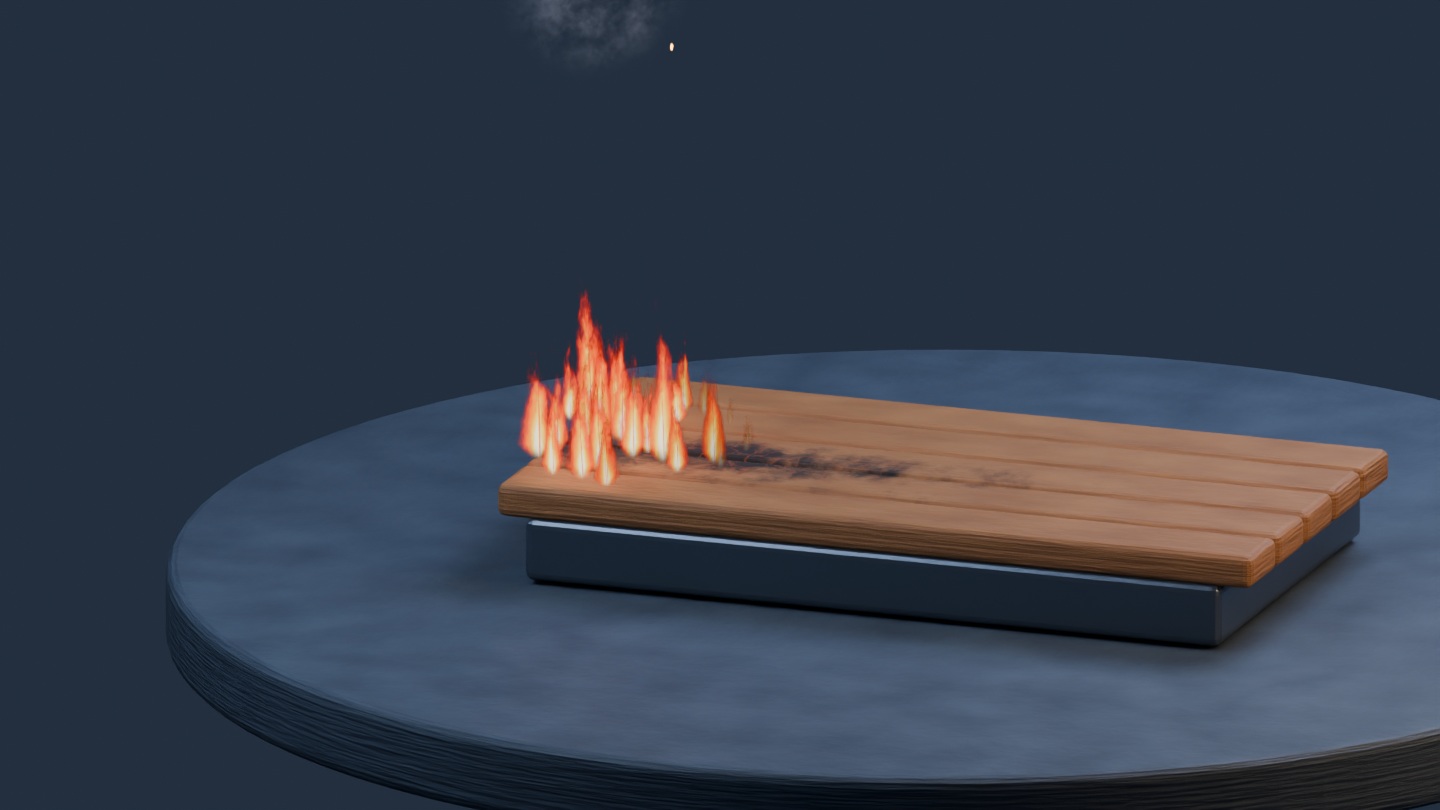
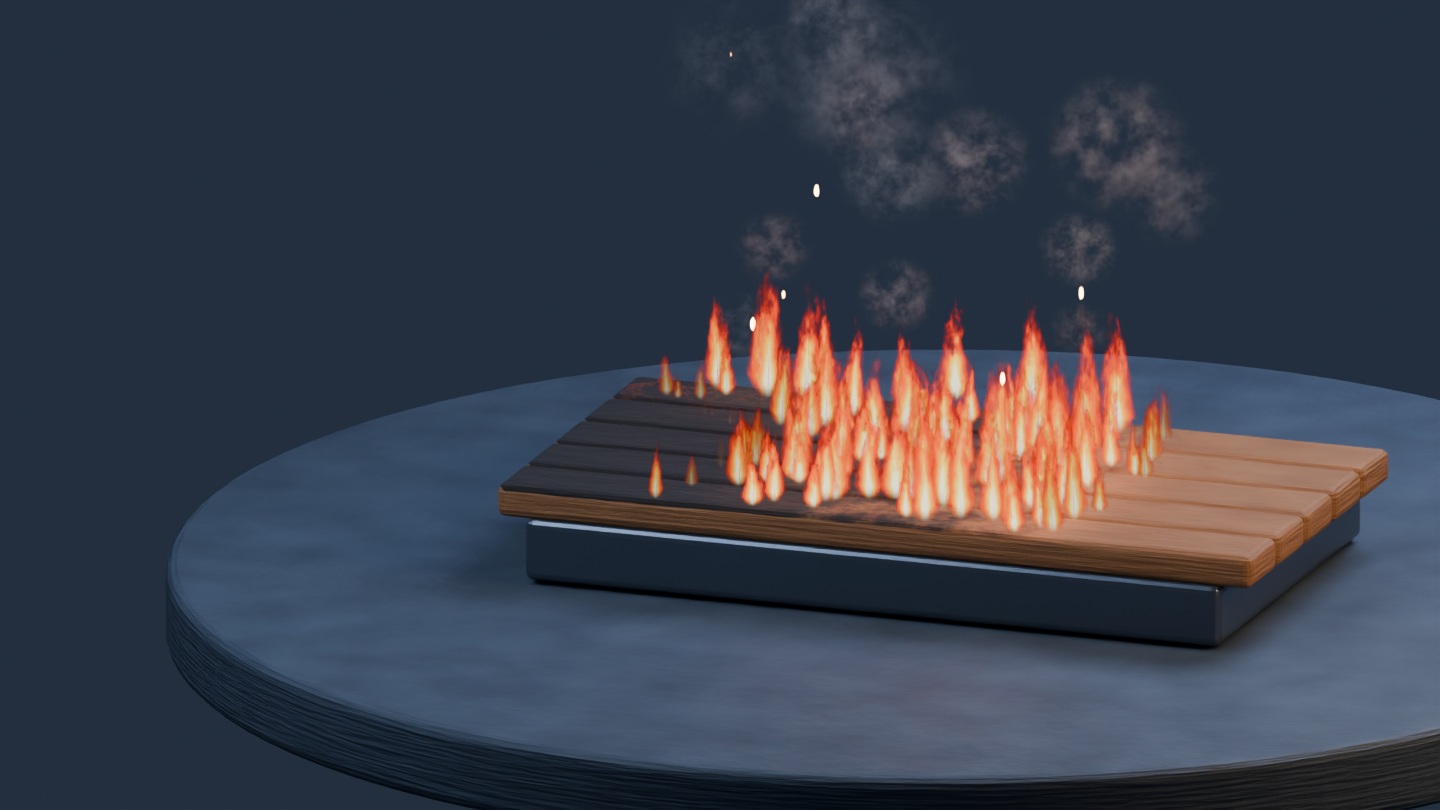
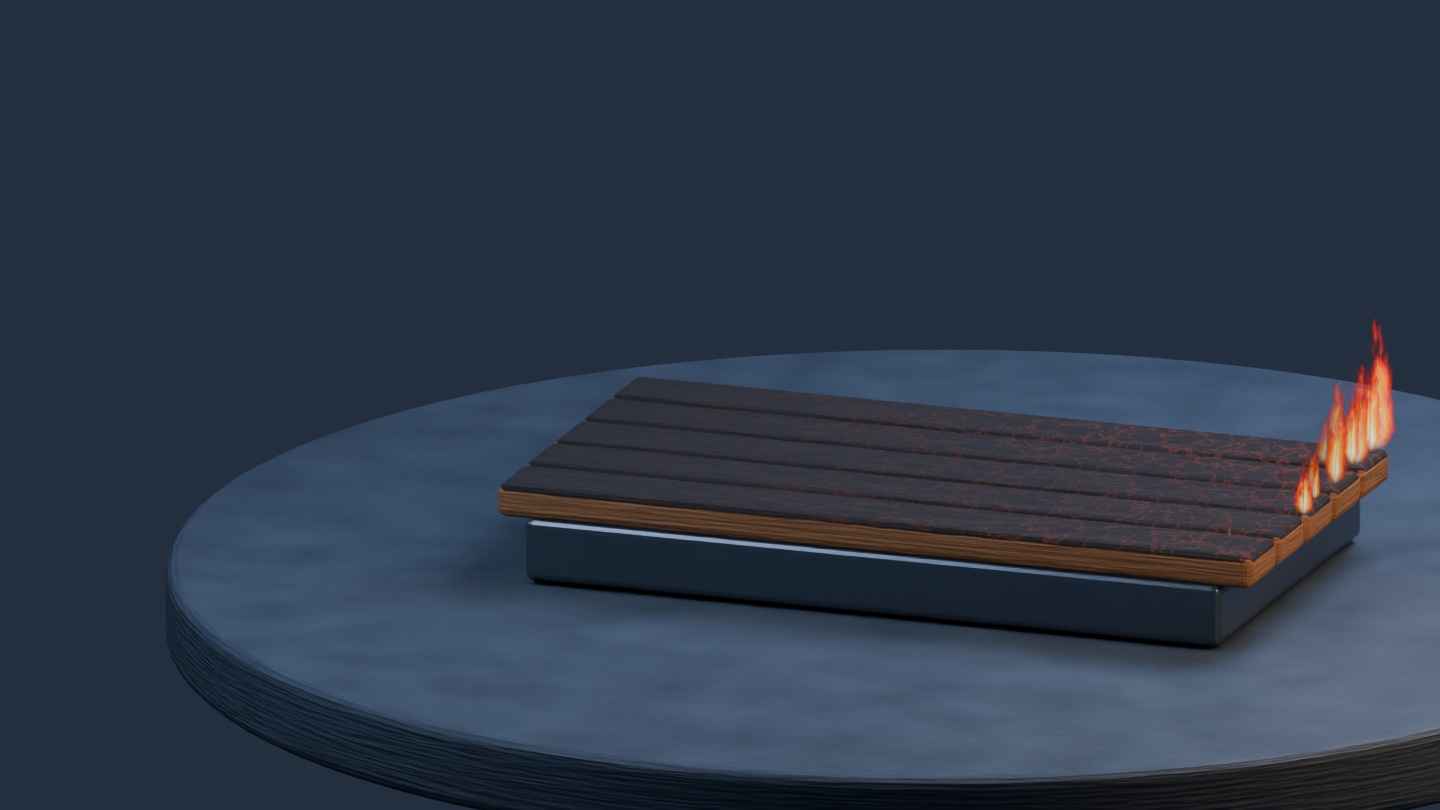
The fire travels from its ignition point, leaving charred wood behind.
Short blue flames follow the mesh of the brass ring.
A violet palette and matching fire lights change the mood of the shot.
Drag through the rendered animation to see the fire build, lean with the wind and fade.
Keyframe Height, Intensity and Wind in Blender, then refine the motion in the Graph Editor.
A timber deck as the flame front moves from the ignition point, burns through the surface and leaves a scorched trail.
Use your own mesh. A vertex group mask lets you choose which areas burn.
Pick a preset, then adjust density, scale, colour, wind and turbulence.
Add keys beside the parameters. Move along the timeline and set the next value.
Add fire lights and a char layer, then render in Eevee or Cycles.
The effect uses Geometry Nodes instances and procedural materials. Scrub directly to a frame to see the animated effect.
Flame dimensions, density, intensity, flicker speed, wind, turbulence, spread settings, smoke, sparks and the exposed material values have keyframe controls.
The extension requires Blender 4.2 or later. Keyframe behaviour was checked in Blender 4.2.11 and 5.2.1. These gallery clips were rendered in Blender 5.3 Beta.
Procedural flame planes provide a lightweight effect. Large numbers of overlapping transparent flames can increase render time. Adjust viewport density while working.
Modifier controls belong to each object. Materials can be shared, so colour and material brightness changes affect every object using that material. Duplicate a material for a separate look.
One Click FireScatter by MambaCG. Six presets, surface masks, spread controls, sparks, smoke and keyframe animation.
Visit MambaCG on Superhive